

Find it in the app
Follow this path, then use the numbers as landmarks.
Live Koatch
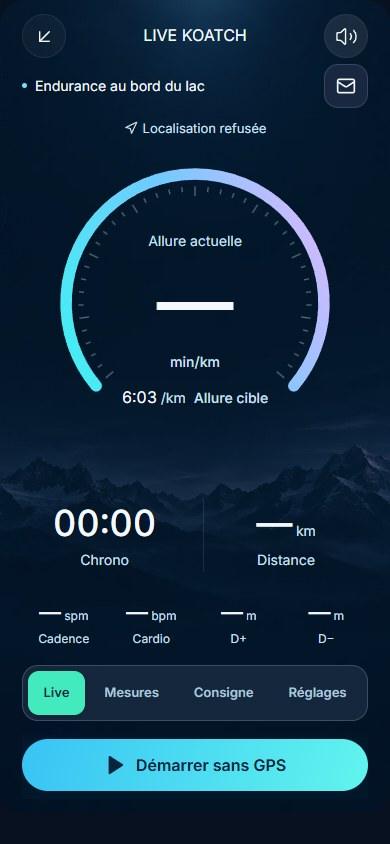
Steps to follow
Live Koatch
- 01
From your plan, open the workout you want to run and its Live Koatch preparation. Check the programme title before continuing.
- 02
Before you go, check the weather, suggested clothing, shoes, drinks and fuel. The Equipment and Route tabs provide further details; reading this advice does not start the run.
- 03
In Live Koatch preparation, open GPS and check its status. Allow location if you want distance and pace readings; also check voice and auto-pause.
- 04
Choose Go to timer, then the displayed start command. Opening the timer does not start the run. Start without GPS lets you time a run without GPS readings.